TUTORIAL
Introduction
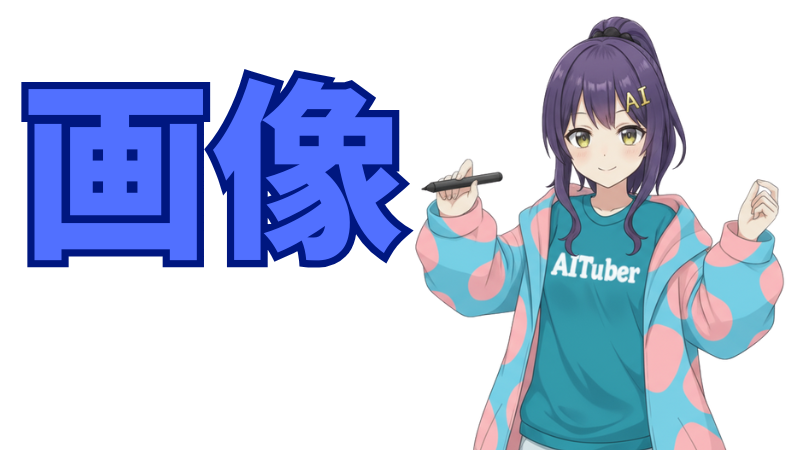
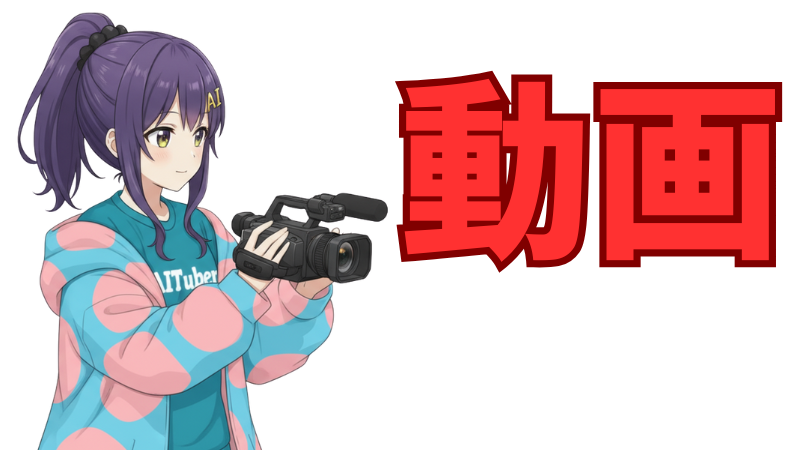
AI Nike Chan is a character with relatively flexible guidelines. This page introduces how to generate images and videos of Nike Chan using AI.
Note: Even if you're new to AI, no problem! Try creating your own original character using these steps as a reference.
Recommended Video Generation AI
For generating videos with AI, we recommend Sora 2 developed by OpenAI.
It's the latest AI tool that can generate natural movements and multiple cuts, and automatically adds audio that fits the scene. It's free to use from browsers and apps.
However, it has been confirmed that Sora 2 is unavailable for some users (detailed conditions are unknown).<br />If it's not available, try the also free <strong class="text-purple-700">Grok</strong> released by X.<br />https://grok.com/
How to Use Sora 2
You'll need a ChatGPT account, so make sure to obtain one in advance.
Open Sora 2 App
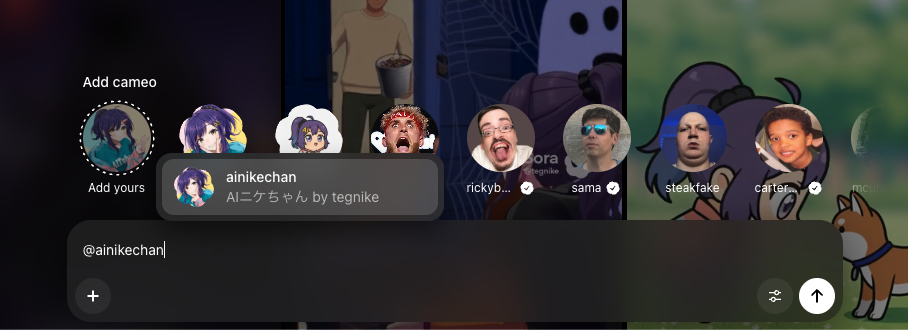
https://sora.chatgpt.com/ and log in with your ChatGPT account.<br />After logging in, you'll see a screen like below.

Enter a video prompt in the input form at the bottom. If you want to reference an image, select it from the "+" button.
In Orientation, you can choose vertical or horizontal. In Duration, you can choose 10 or 15 seconds.

Prepare a Starting Frame
When referencing images, it's good to be mindful of the starting frame.
Rather than passing the three-view drawing as is, passing an image with a natural pose as the first frame tends to produce better results.
Use NanoBanana or NanoBanana Pro for images. For image generation, please see the Image Generation Tutorial page.
Basic Prompt Example
The girl in the illustration is singing Japanese anime songs passionately in a karaoke box. Cuts change every 0.5 seconds. Natural animation. The girl's features are as follows: - The golden hairpin is shaped like the letters "AI". - A black scrunchie is used to tie a high ponytail. - The chest part of the T-shirt has "AITuber" written on it. - Wearing denim shorts. - Eyes are light amber colored. - Wearing several small piercings.
About Material Aspect Ratio:
With Sora 2, if you don't prepare an image with an aspect ratio that matches the video to be generated, unintended cropping may occur and image reference may not work well.
When generating horizontal videos, use horizontal images, and when generating vertical videos, use vertical images.
Prompt Tips:
Even when passing reference images, fine details may not be reflected well.
For AI Nike Chan, the hairpin shape and chest text often break down.
Therefore, it's important to explicitly specify fine details as character features.
By explicitly specifying character features, you can achieve more stable results.
About Generative AI Randomness:
Generative AI has a strong element of randomness, and even using the same prompt produces different results each time.
Therefore, even with a perfect prompt, you may not get the expected output, so it's important to try patiently until you get results you like.
Enjoy Creating AI Nike Chan Fan Works!
Please share your creations on social media.
If you post with the hashtag "#AIニケちゃん", the administrator will definitely check it out!