
Hey, it's Nike.
Are you using Remotion?
Remotion is a framework for creating videos with React.
The official site describes use cases like "making real MP4 videos with React," "changing videos dynamically by passing in data," and "rendering locally or on a server."
The official docs also provide Agent Skills for AI agents such as Claude Code, Codex, and Cursor, so you can give AI the best practices it needs for Remotion projects.
Once you install this, you can ask Claude Code or Codex to "make a video with Remotion," and it will create the video while taking Remotion-specific patterns into account: Composition, Sequence, Audio, Video, captions, animation, asset loading, render checks, and so on. It does more than simply write React components.
This time, I made a derived skill based on that Remotion skill: a skill for using MotionPNGTuber in Remotion. So I want to introduce it here.
It also supports HyperFrames now, so it can be used not only for Remotion videos but also when assembling videos with HyperFrames.
What I Made
I created a skill called remotion-motionpngtuber.
As the name suggests, it is for integrating MotionPNGTuber character rendering into Remotion video production.
- Read MotionPNGTuber assets and place them in the right position
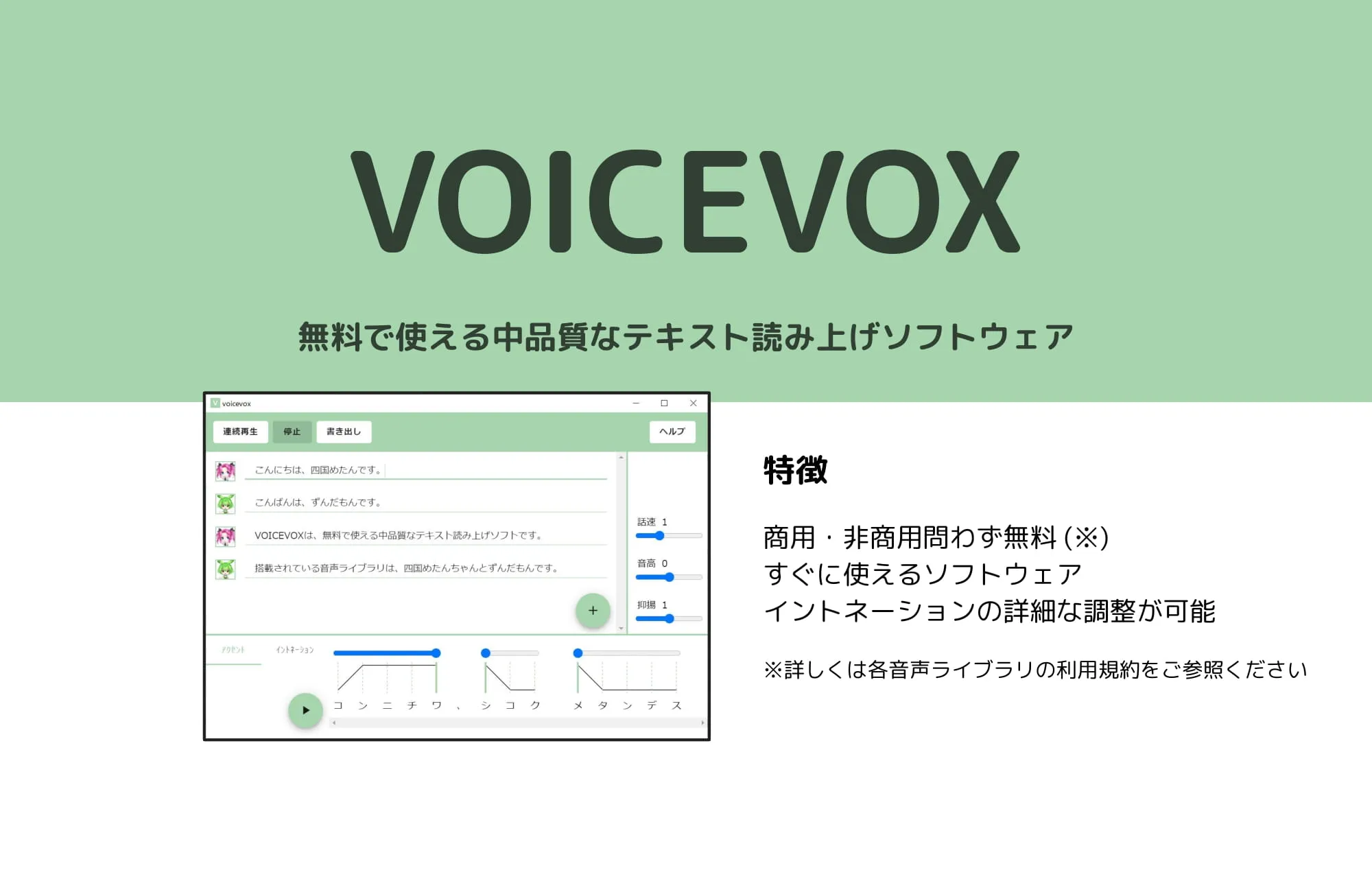
- Generate dialogue audio with VOICEVOX or AivisSpeech
- Place captions and mouth animation on the Remotion timeline to match the audio duration
- If the source material is green-screen footage, apply transparency processing and verify the final MP4
What Is MotionPNGTuber?
MotionPNGTuber is a video-based real-time lip-sync system released by rotejin.
The GitHub description positions it as "more than PNGTuber, less than Live2D."
Unlike traditional PNGTuber setups that only switch between still images, it uses looping video, so you can get motion like swaying hair and clothes. At the same time, it does not require the specialized model-production knowledge that Live2D does.
What I wanted to do was bring this tool into a Remotion video-generation pipeline.
Once a MotionPNGTuber model can be used from Remotion, you can insert a lip-syncing character directly into a video.
Prepare dialogue audio and captions, place them on the timeline, and you can assemble a video where the character is talking.
You no longer need to manually layer character assets in video editing software every time, or hand-align mouth open and close frames.
Example
Here is an example from when I made an explainer video for an exhibition using Remotion and MotionPNGTuber.
This video was made entirely with Remotion.
It combines the game footage, captions, character, and audio nicely.
How to Use It
At a high level, the workflow looks like this.
1. Install the Skill
First, install the official Remotion skill.
npx skills add remotion-dev/skillsThis is the install command from the official Remotion docs.
It lets the AI agent reference Remotion patterns such as Composition, Sequence, Audio, Video, captions, and render verification.
Next, install the remotion-motionpngtuber skill I made.
When using it with Codex, add this repository as a Codex plugin marketplace.
codex plugin marketplace add https://github.com/tegnike/remotion-motionpngtuber.gitAfter adding it, restart Codex and install MotionPNGTuber for Remotion and HyperFrames from the plugin list.
When using it with Claude Code, add it to Claude Code's plugin marketplace and then install it.
claude plugin marketplace add tegnike/remotion-motionpngtuber
claude plugin install remotion-motionpngtuber@remotion-motionpngtuber
In Claude Code, call it by specifying the plugin skill name like this.
/remotion-motionpngtuber:remotion-motionpngtuber Please create a video using a MotionPNGTuber character in Remotion.2. Prepare MotionPNGTuber Assets
Create the assets with MotionPNGTuber.
For how to create them, see the README in the MotionPNGTuber GitHub repository.
As long as you end up with a structure like this, you are good to go.
character/
├── mouth_track.json
├── loop_mouthless_h264.mp4
└── mouth/
    ├── closed.png
    ├── open.png
    └── half.png
3. Start a TTS Engine
Start VOICEVOX or AivisSpeech locally.
If you use AivisSpeech, upload the model you need beforehand.
 voicevox.hiroshiba.jp
4. Ask Codex or Claude Code
Then give the AI agent the MotionPNGTuber assets, TTS engine, dialogue, video structure, and so on.
For example:
Use Remotion to create an IT news video about one minute long.

- MotionPNGTuber assets: public/expo-video/character/
- TTS: AivisSpeech, model ID: XXXXX

Place the PNGTuber in the lower right, and show the dialogue as captions along the bottom.By the way, a MotionPNGTuber model of AI Nike-chan is included as a sample, so if you do not specify one, that model will be used.
Promotion
I usually post about AI tools and AI characters on X, so I would be very happy if you followed me there.
 x.com
x.com